Blog Post
Stands of the Future: Augmented Reality and Projection for Immersive Experiences
The Evolution of the Stand: From Physical Structure to Immersive Experience
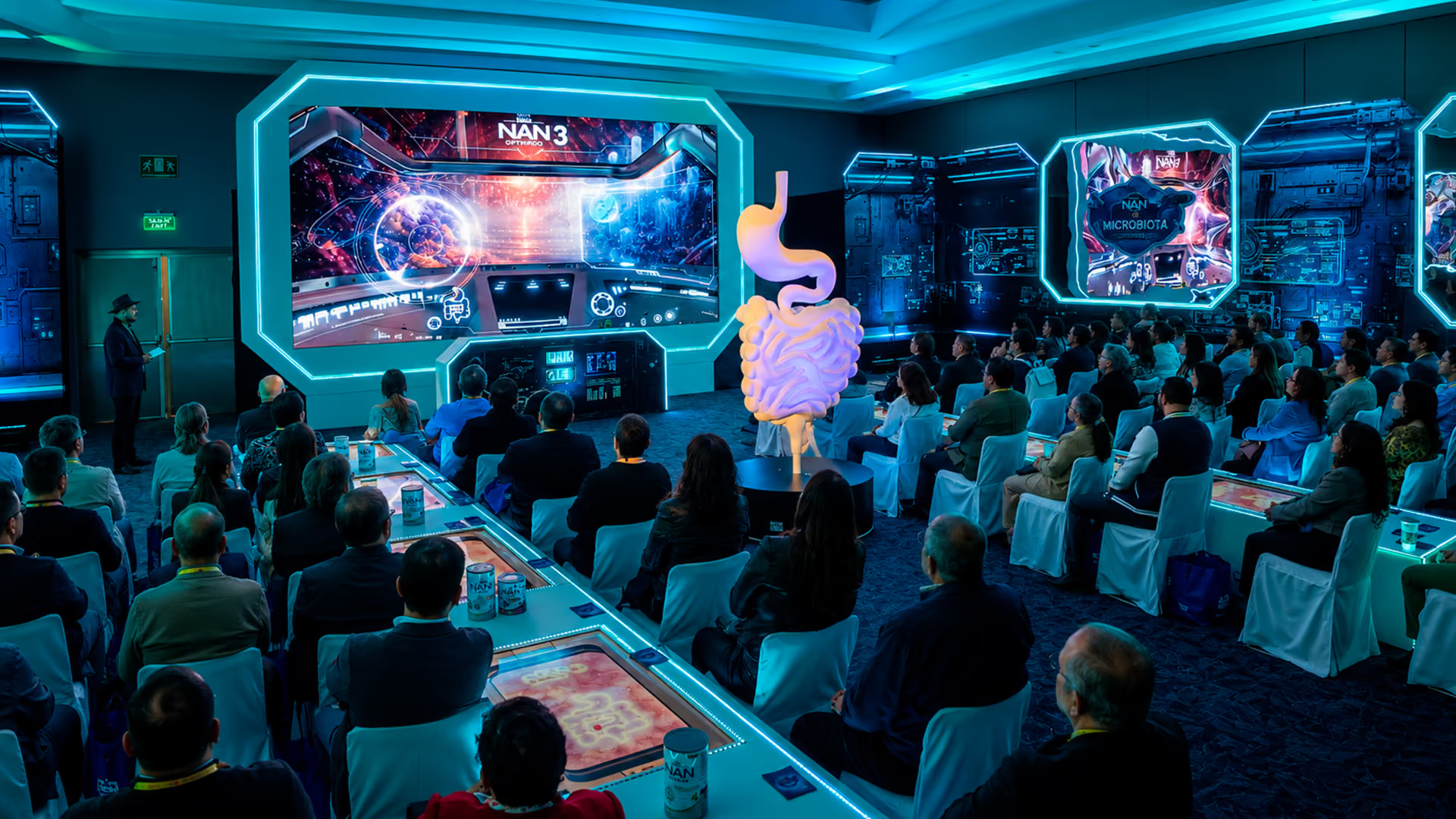
Stands can combine physical elements, audiovisual content, and interactive interfaces to present products, communicate information, or develop participation dynamics.
The choice between a physical display, a digital experience, or a hybrid format depends on the objective, audience, space, budget, installation time, and operating conditions of the event.
A stand can reduce some scenographic elements by replacing them with digital content. However, this does not necessarily mean that its logistics, cost, or environmental impact will be lower. Projectors, lenses, mounting structures, computers, mobile devices, cabling, electrical systems, and packaging must also be transported, installed, and operated.
Technology should be selected to serve a specific function, such as visualizing a product, offering additional information, changing content, or enabling interaction. Its use does not guarantee impact, scalability, personalization, or shared-content generation.
Augmented reality can overlay digital content on an image of the environment, while projection displays content on physical surfaces. Both can complement a stand’s architecture, but they require different technical conditions and do not necessarily reduce the resources used.
Augmented Reality: Virtual Content in Physical Space
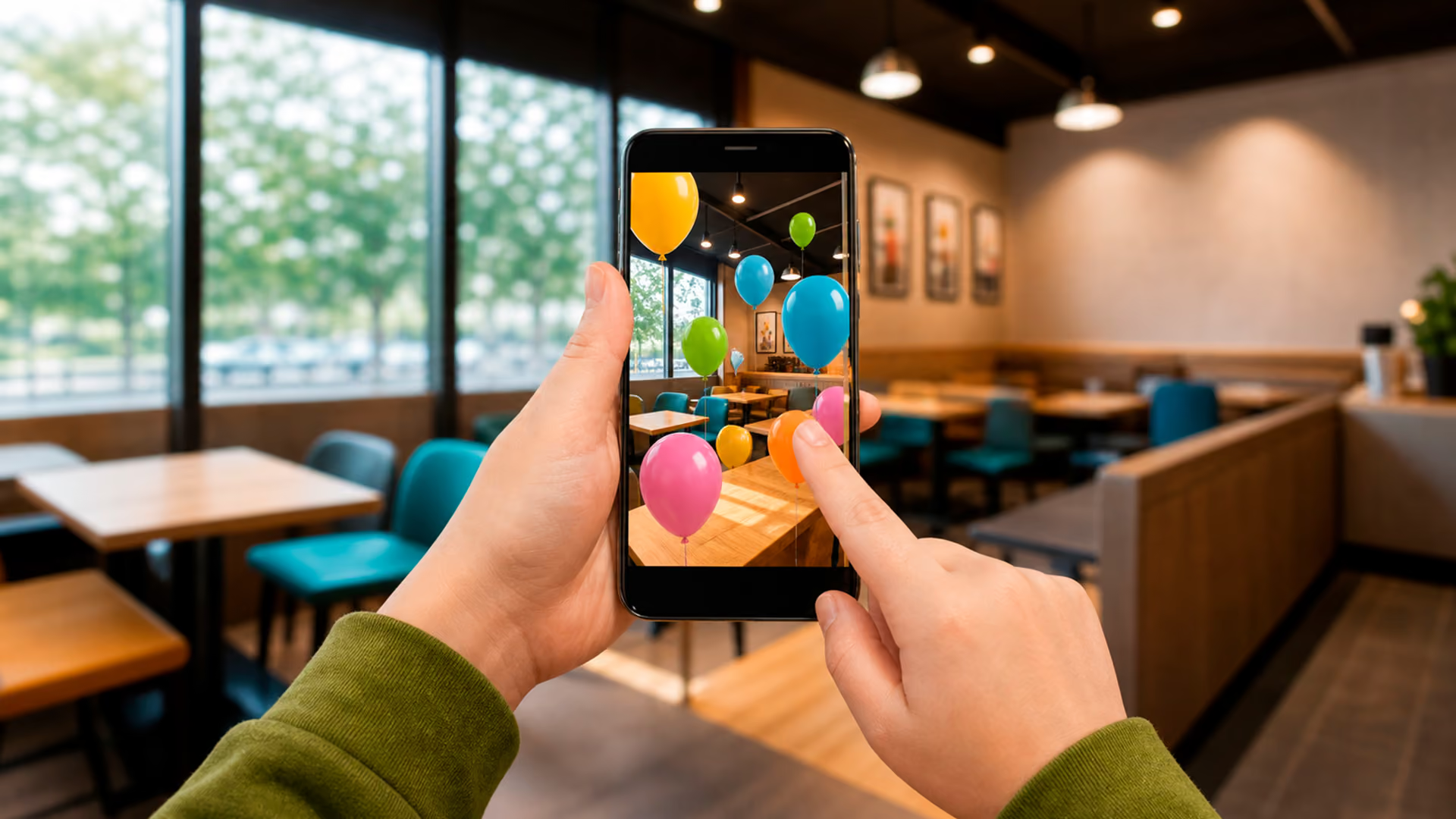
Augmented reality can align and compose virtual content with the real environment for display through a compatible device. It can run on phones, tablets, or headsets, depending on the platform and required functions.
Unlike a virtual-reality experience that visually replaces the environment, AR keeps the physical space visible and adds digital content over it.
In a stand, AR can be used to visualize 3D product models that are not physically present. Depending on the application, users can view the model from different angles, change configurations, or consult components.
Scale visualization and content stability depend on tracking, the device, model quality, lighting, and characteristics of the environment. AR can avoid transporting some products, but it does not guarantee an overall reduction in costs or logistics.
AR can be used in filters, product visualizers, games, or journeys with virtual objects. The degree of participation depends on the dynamic, ease of access, compatibility, available time, and communication within the stand.
The technology does not guarantee engagement, recall, virality, or sharing. These metrics should be defined and instrumented independently.
AR can be useful in small spaces because it displays digital content through the user’s screen or headset without occupying the same physical volume as a real product. It should not be confused with projection: content is composed inside the device and is not shown directly on the physical surface.
Its suitability depends on visitor volume, available devices, compatibility, camera permissions, connectivity, and the time needed to start the experience.
Projection and Videomapping: Surfaces as Supports for Dynamic Content
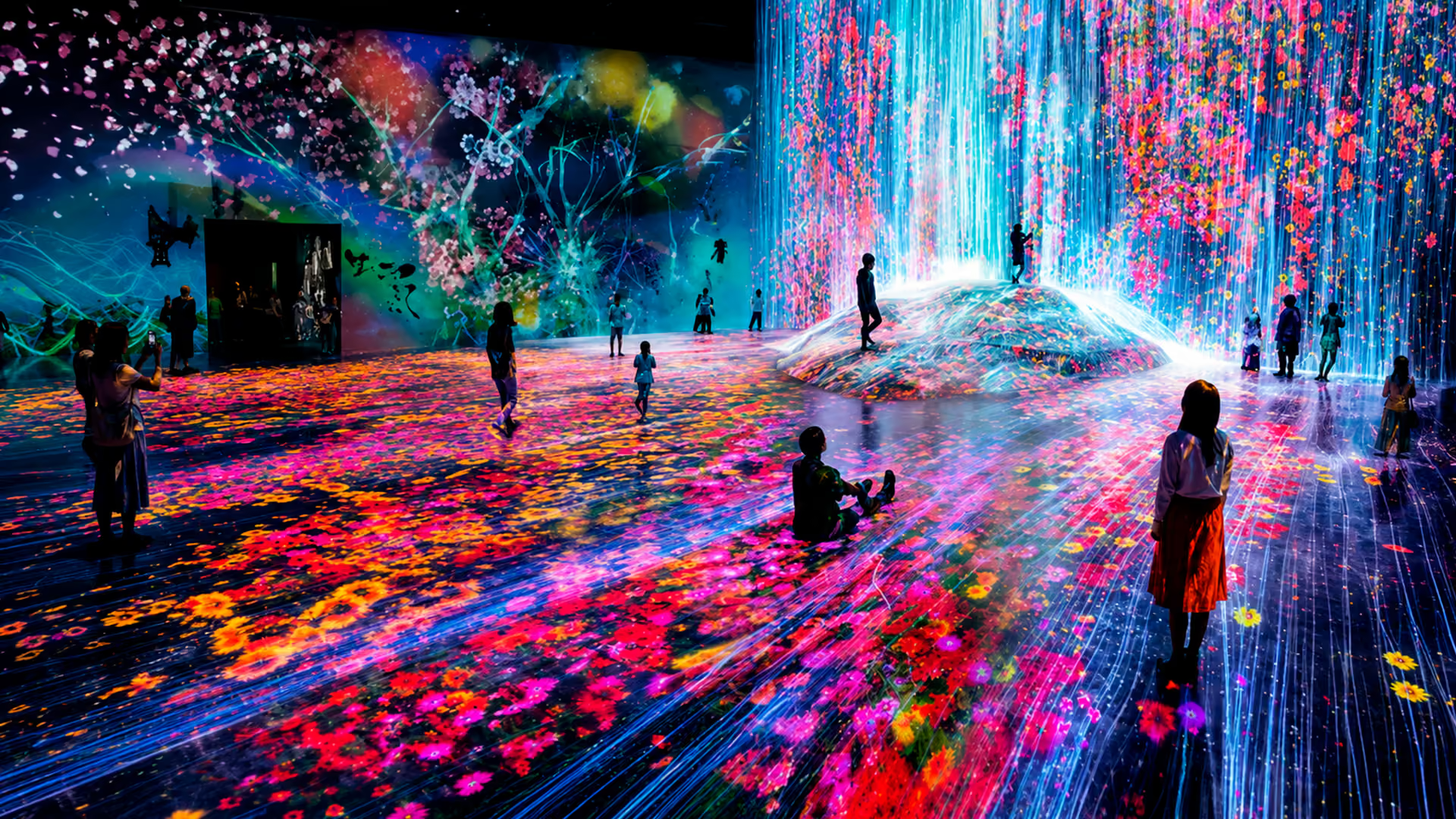
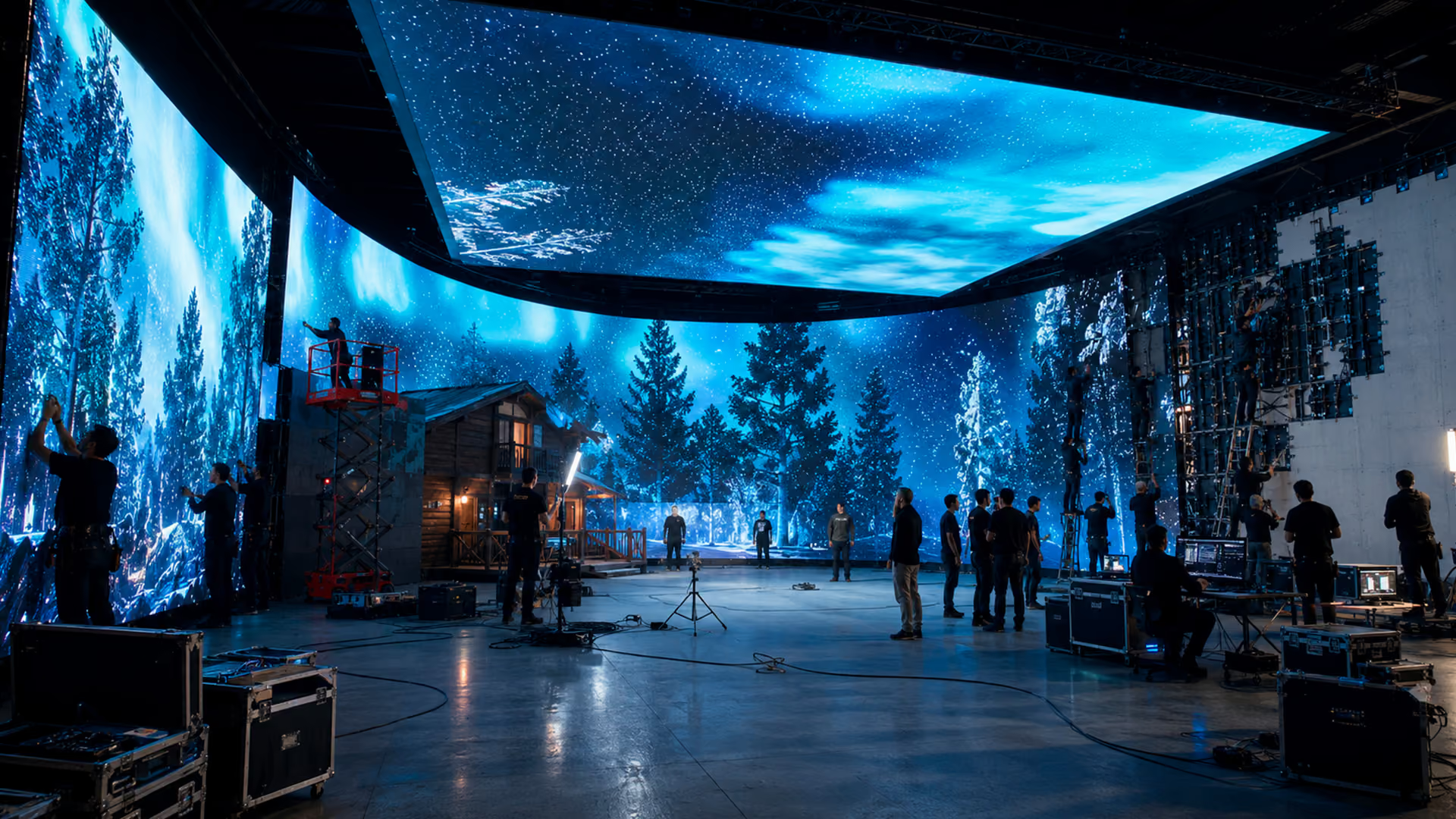
Projection displays content on a physical surface. In videomapping, content is adjusted to that surface’s geometry and apparent position to create an aligned visual composition.
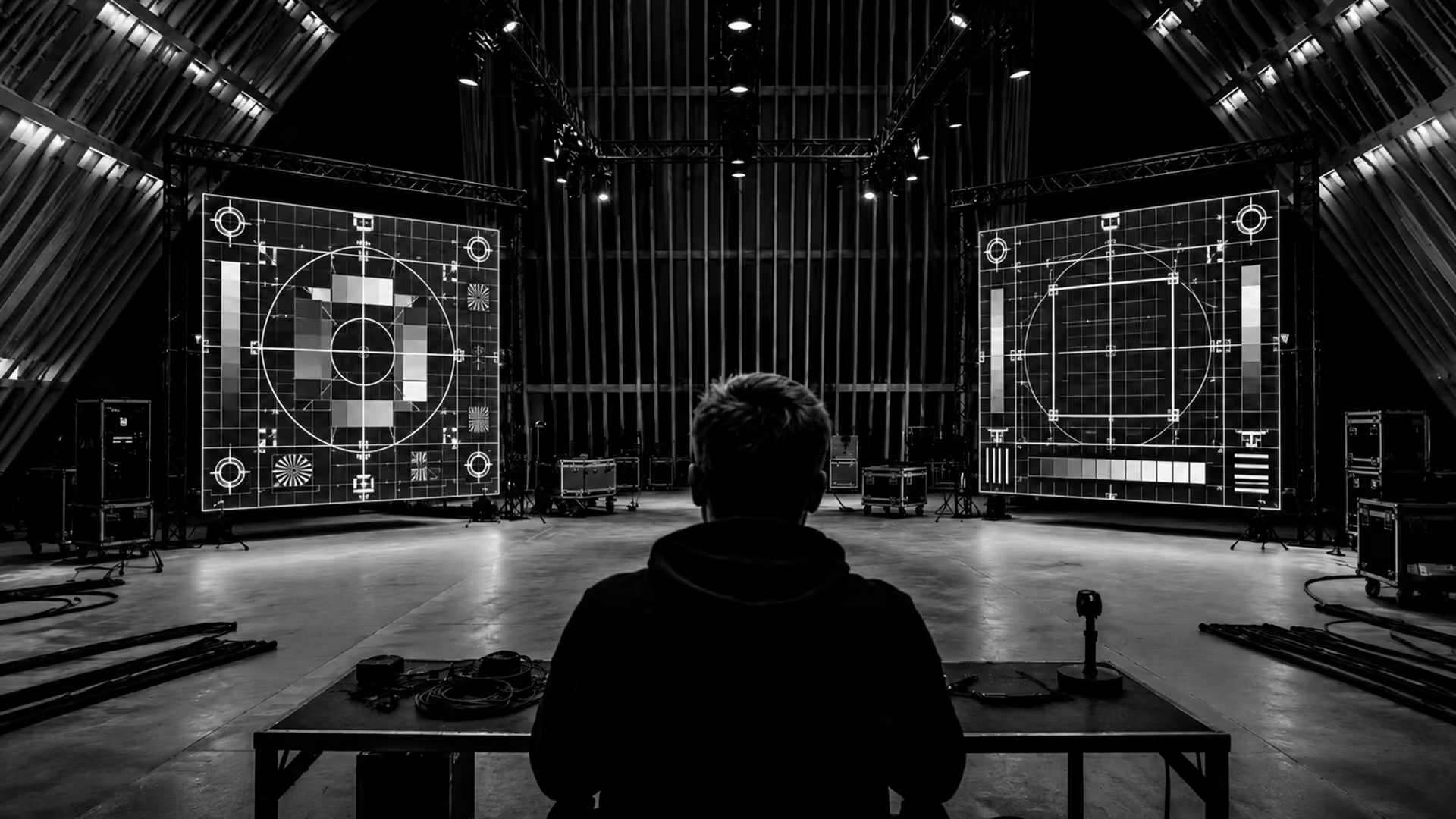
Not every surface is suitable. Its shape, color, texture, reflectance, stability, throw distance, angle, resolution, and ambient light level should be assessed. The result also depends on projector brightness and optics.
Projection can allow one surface to show different content without physically replacing every graphic element. However, it still requires suitable surfaces, projectors, lenses, mounting structures, electrical distribution, cabling, playback equipment, and calibration.
Its cost and ease of transport should be compared with the scenographic alternatives for each project.
A projection can react to data from cameras, sensors, or mobile devices when there is a detection, processing, and interactive-logic layer. Response should be tested for latency, occlusions, user volume, and lighting.
This integration does not guarantee engagement, personalization, memorability, or lighter logistics.
When to Combine Augmented Reality and Projection
Projection and augmented reality can coexist within a stand without necessarily forming a single system. Projection can work as a shared visual layer, while AR can show individual information through each visitor’s device.
Before combining them, lighting, projector brightness and throw, device compatibility, camera permissions, connectivity, visitor flow, and the AR tracking method should be assessed.
Projected surfaces or changing animations can alter the visual features that an AR system uses to localize itself. Markers, planes, and interaction zones should therefore be tested with final lighting and content. ARCore depends on recognizable visual points and can lose tracking in insufficient light or on low-detail surfaces.
The combination should be used only when each technology contributes a necessary function. It does not guarantee lower cost, lighter logistics, personalization, sustainability, or better campaign outcomes.
Design and Planning: Keys to a Stand with AR and Projection
A stand that combines augmented reality (AR) and projection requires planning its scope, resources, space, and operation. It is not only about integrating technology: the team must define what information or action each component will make easier and how its operation will be validated before installation.
Conceptualization and Narrative
The first step is to define what information or action the visitor needs to complete. Then the function of each technology and its relationship to the physical space should be established.
For example, AR can display an exploded model or different product configurations, while projection can present shared content to several people. Both functions should be validated through prototypes before committing to final production.
Hardware and Software Selection
For AR, it should be defined whether the experience will use an app, a browser, devices provided by production, or visitors’ own devices. Operating systems, compatible models, camera permissions, connectivity, and necessary tracking functions should also be assessed.
A WebXR experience requires a compatible browser, a secure context, and, on Android, an ARCore-compatible device. Not every ARCore function is available through WebXR.
For projection, brightness, resolution, throw, optics, surfaces, and ambient lighting should be calculated. TouchDesigner or Unity can form part of the architecture, but they are not mandatory and do not guarantee uninterrupted operation.
Physical-Space Design and Visitor Flow
The stand design should define projection surfaces, viewing distances, tracking zones, and AR entry points. It should also estimate the duration of each session, number of devices, and simultaneous users to identify possible queues or bottlenecks.
Lighting affects projection contrast and can influence AR tracking, so it should be tested under conditions equivalent to those of the event.
Interactive Content and User Experience
Content should be prepared according to the output platform. In AR, polygon counts, textures, animations, scale, and performance on target devices should be controlled. In projection, resolution, aspect ratio, contrast, alignment, and visibility from intended positions should be validated.
Testing reduces risk, but it does not guarantee fluency, understanding, or memorability. Acceptance criteria should include performance, stability, load times, tracking, and journey completion.
Cinética Studio Cases: AR and Projection in Activations
At the Nissan stand for Formula E, Cinética Studio participated in several interactive experiences, including augmented-reality interventions applied to vehicles and murals. The project shows how AR can be incorporated as an additional layer within a stand.
At Santa’s Lab, Cinética Studio developed an experience with anamorphic 3D animations projected onto tables. The system used 4K projectors, TouchDesigner for show operation, and an audio system. The project shows the use of projection to transform physical surfaces through audiovisual content.
The projects should be presented separately: the Nissan stand documents AR interventions, while Santa’s Lab documents anamorphic projection. They are not presented as two resources within the same architecture.
Challenges and Considerations When Implementing Technology in Stands
Integrating AR and projection into a stand involves design, production, and operational decisions. Considering these variables during planning helps define the scope, resources, and validation criteria for each experience.
One challenge is coordinating technical complexity and on-site operation. AR and projection can require hardware, software, calibration, and support according to scope. When a project includes it, Cinética Studio can provide installation, calibration, operation, or on-site technical support. These responsibilities, schedules, spare parts, and response times should be established in the proposal and operating plan.
Budget is another important consideration. It should include hardware, lenses, structures, computers, devices, licenses, content production, testing, transportation, installation, operation, insurance, maintenance, and contingencies.
Functions should be prioritized according to project objectives and acceptance criteria. A feature should not be said to produce greater impact or return without a measurement and attribution method.
Logistics should account for the dimensions and weight of projectors, lenses, structures, computers, sensors, devices, cabling, spares, and packaging. Transportation, insurance, inventory, available power, and installation times should also be considered.
Modularity can make some operations easier, but it does not guarantee that a system will arrive calibrated or ready to run. Calibration and testing should be repeated after each installation.
The interaction should be tested with people representative of the audience and account for readable instructions, usage heights, contrast, interaction alternatives, and assistance where needed.
For operation, load testing, monitoring, restart procedures, content backups, replacement devices, and failure procedures should be defined. These measures reduce interruptions, but they do not guarantee a flawless experience.
Featured in
Our work has been recognized by leading industry publications covering creativity, technology, and innovation.
Discover interviews, features, and articles that highlight our projects and perspective.


You may also like
Ready to create something extraordinary?
From concept to execution, we design experiences that connect people, technology, and storytelling in unforgettable ways.