Blog Post
The UX of the Ephemeral: Designing Interactive Installations for First Contact
The Paradox of Immediacy: Why the First Moments Matter
In a public installation, people usually approach without knowing in advance how it works. The first moments should therefore help them identify what they can do, where to stand, and what response they will receive.
The experience should reduce unnecessary instructions and show clear signals before and after each action. This can include visual changes, sound, movement, or short messages confirming that the system has detected the user.
There is no universal time frame for achieving this. The time needed depends on the space, audience, complexity of the interaction, and event context. Clarity should be validated through prototypes and tests with representative users.
UX Principles for First Contact: Designing for the Unfamiliar
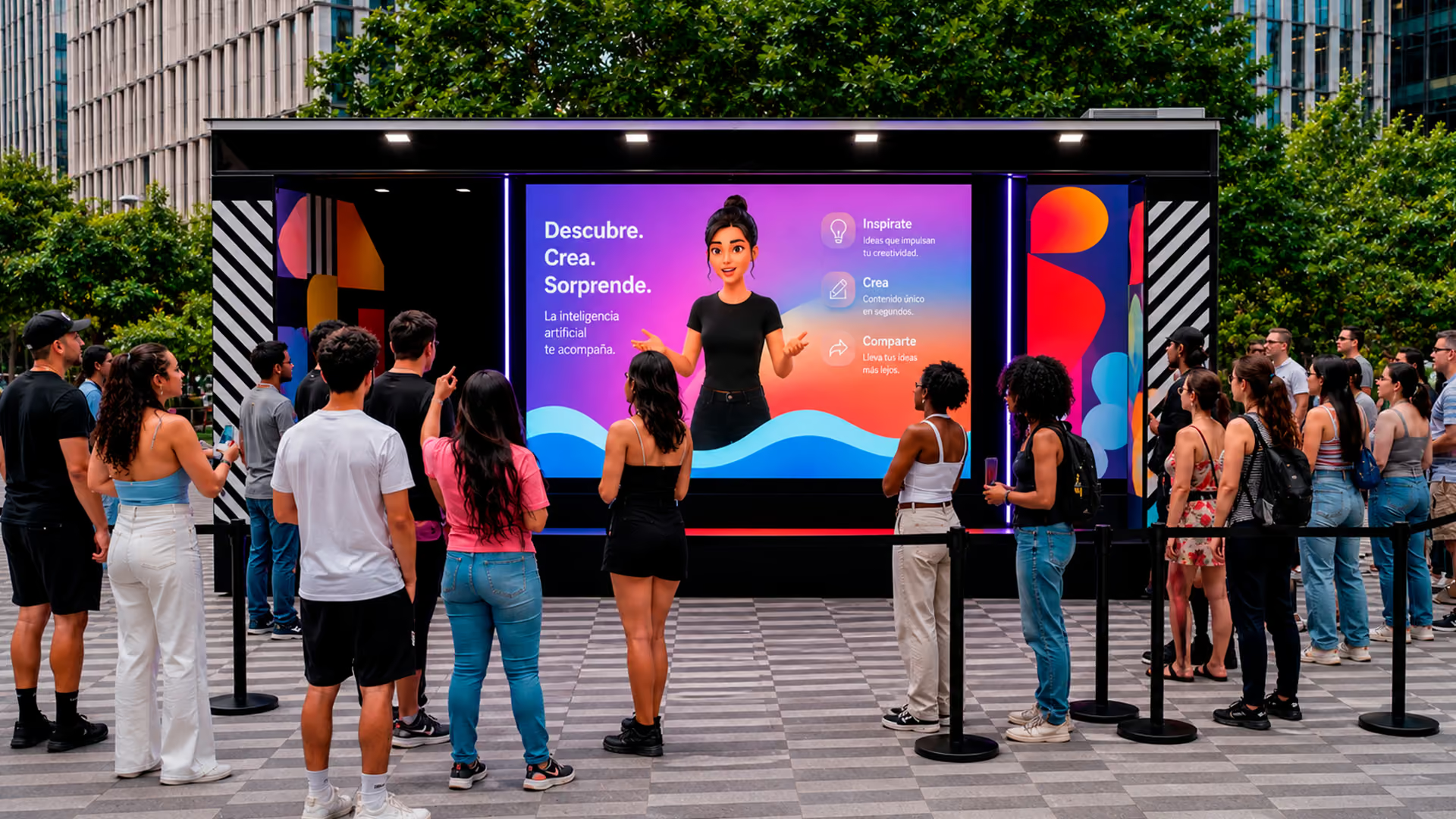
Designing interactive experiences for public settings requires considering that many people will approach without knowing in advance how they work. The installation should communicate its purpose, show the available actions, and provide clear feedback from the first contact. To verify this, testing is needed in a context similar to the final activation.
The first principle is visual clarity and intuitive wayfinding. From the moment a person approaches an installation, they should understand what it is and how they can interact without reading complex instructions. This can involve using symbols familiar to the audience, animations that suggest an action, and visual cues whose interpretation has been validated through usability testing. For example, a flashing arrow or illuminated area can indicate where to stand or what to touch. Information should be minimal and integrated into the experience rather than presented as a separate manual.
Feedback should be clear and consistent with the action taken. If a user touches a surface or makes a movement, the system should provide visual, audio, or haptic confirmation that the action was detected. In a movement-based installation, latency should be low enough for the user to connect the response to their own action.
Another principle is reducing friction. It is useful to avoid steps that are not necessary to complete the interaction, as well as forms, waiting periods, or instructions that interrupt the flow. When an experience requires several steps, the user should know from the beginning what action to take, how long the journey will last, and what they will receive at the end.
Accessibility should be considered from the initial design stage. Depending on the installation, it may be necessary to assess height and reach zones, contrast, control size, alternatives to audio, readable instructions, and interaction methods that do not depend exclusively on one physical or sensory ability.
Simplicity can improve usability, but it does not by itself guarantee that an installation is accessible. The criteria should be tested with representative people and scenarios.
Finally, the installation should let a user recover easily from an incorrect action. This can be achieved with brief instructions, automatic reset, clear confirmations, or the ability to try again without losing all progress.
First-Contact Interaction: Making the Available Action Visible
To make it easier to approach a public installation, the design should make it visible that interaction is available. Signage, movement, sound, and the system’s response can help communicate what a user can do.
Visual, audio, or spatial stimuli can help signal that an installation is interactive. However, attracting attention is not enough: the user must also understand where to stand, what action they can take, and how the system will respond.
Playful elements can be used when they are consistent with the goal of the experience. An interaction can include a recognizable objective, a concrete action, and a response that shows the result. However, not every installation needs scores, challenges, or rewards to work properly.
Feedback should be perceptible and appear within a time frame consistent with the action taken. When the response is slow or ambiguous, users may not know whether the system detected them or whether they should repeat the action. Confirmation can be visual, audio, haptic, or a combination of signals.
Lengthy instructions, registrations, and waits can reduce willingness to participate, especially in transit settings. It is therefore useful to minimize mandatory actions and test whether users recognize how to start and complete the experience.
From Concept to Execution: Designing and Validating a Clear Interaction
At Cinética Studio, the design of interactive installations begins with an analysis of audience behavior and the context of the space. From there, the team defines how a person will recognize the main action. The process considers the activation’s objective, audience, operational constraints, and the system’s expected behavior.
The first step is conceptualization, where clear experience objectives are defined and key interactions are outlined. The central question is: how can the main function be communicated in the least possible time? This can involve visual or audio cues that are familiar to the audience. Their interpretation should be validated through testing, because no symbol, gesture, or sound is universal in every context.
A prototype is then developed. The goal is not to build the final installation, but to create simplified versions that can test interaction hypotheses. This can range from an interactive screen wireframe to a physical mock-up with basic sensors. Early testing can reveal friction before full development. In an interactive floor based on people tracking, it is useful to check the detection area, number of simultaneous users, latency, occlusions, and correspondence between physical movement and visual response.
Testing with representative people makes it possible to observe whether they recognize the interaction, which errors they make, where they need help, and how long they take to complete the journey. Results should be used to adjust instructions, response times, interaction zones, and recovery mechanisms.
During implementation, sensors should be calibrated, software optimized, and the physical integration of the installation verified. Technical elements may remain visible, but they should not hinder access, confuse users, or interfere with intended operation. The goal is for a person with no prior context to identify the main action and receive a clear response from first contact.
Technologies in Service of a Clear Interaction
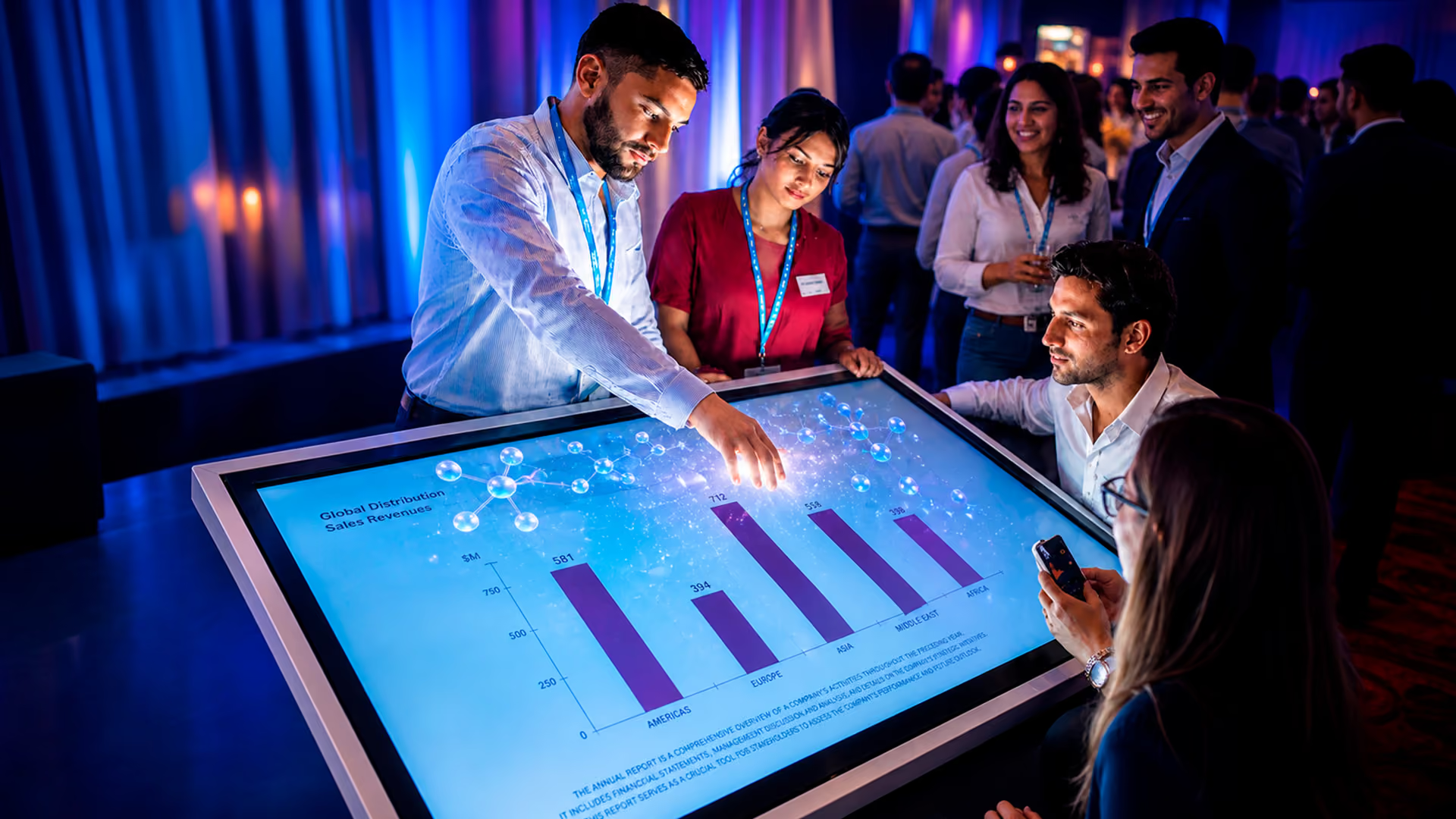
A public interaction requires coordinating detection, processing, and system response. Technology should be selected according to the space, number of users, type of movement, permitted latency, and operating conditions.
Sensors are the first contact point with the user. They range from cameras with computer-vision systems that detect presence, movement, or body landmarks, to depth sensors such as LiDAR that provide distance measurements and spatial geometry. Software logic interprets this data to create the interaction. These systems can start an experience through presence, position, or gestures. Their operation depends on range, lighting, occlusions, calibration, number of users, and configured thresholds. The system’s behavior when detection is incomplete or incorrect should also be defined.
Touchscreens remain a mainstay of direct interaction, but their design should be minimal and include clear guidance. Contactless interfaces are an alternative when the context calls for movement- or gesture-based interaction. Tools such as MediaPipe can detect body landmarks, hands, or faces from images or video, but interpreting actions and achieving stable tracking require additional logic. In large-format installations, position or pose data can modify visual content. Stability depends on distance, framing, lighting, number of visible bodies, and the model used.
Tools such as TouchDesigner and Unity can be used to develop visual, audio, or interactive experiences, depending on project requirements. TouchDesigner is a visual development platform used to create real-time audiovisual and interactive systems, integrate data, and work with projection or multimedia content. Unity is a development engine that can be used to build interactive applications, games, interfaces, and 3D environments. The choice depends on integrations, content, output platform, and operational requirements.
Technical integration should serve the defined interaction. In an interactive floor, a camera and computer-vision system can obtain position data to modify graphics in TouchDesigner. In an audiovisual experience, Unity can integrate with capture, processing, storage, and file-delivery systems. Each function requires configuration, code, permissions, hardware, testing, and fallback mechanisms.
Cinética Studio Cases: Movement-Activated Interactions
The following projects show dynamics in which the main action is directly related to the system’s response. Their operation should be assessed according to the particular conditions of each activation.
The interactive floor developed for Coca-Cola integrated TouchDesigner for visual content and MediaPipe to obtain people-detection and tracking data through cameras. The system used position and movement inside the detection area to modify procedural graphics in real time. The main action was walking through the space, without physical controls.
Another example is the interactive mural developed for KIA in the entrance hall of a K4 launch event. The installation displayed a 3D geometric pattern developed in TouchDesigner that responded to people walking by. Located at the main entrance, it functioned as an initial interaction point and a space for photographs.
Both projects show how a person’s movement can be used as input to trigger or modify a visual response. By themselves, they do not establish participation, recall, or reach outcomes.
Measuring Interaction: Metrics Beyond Likes
A public installation can be measured with indicators defined before the activation, not only with social-media metrics. Selection depends on the project objective and which data can be collected proportionately, transparently, and with respect for privacy. Interaction data can be complemented with observation or qualitative feedback, but they do not by themselves demonstrate brand impact or return on investment.
One fundamental metric is average interaction time. How long does a user spend with the experience once contact has begun? Interaction time should be interpreted alongside other metrics. A long session can indicate interest, but it can also indicate confusion, waits, performance problems, or difficulty completing the interaction. It can be estimated through presence sensors, event counters, or computer-vision systems configured to record duration and completion without personally identifying participants. Instrumentation should be defined from the outset and comply with applicable notices, permissions, and privacy policies.
Another possible metric is conversion from observer to participant. To calculate it, the observation zone, measurement period, and action considered the start of the experience must be defined. A high percentage does not by itself show that the installation is intuitive: support staff, incentives, location, queues, or novelty may also have an influence.
Repeat participation can be recorded when the system can distinguish sessions without personally identifying users, although it should be interpreted carefully: someone may also repeat because they did not understand the interaction or because their first attempt failed.
When the experience allows content creation or download, completed deliveries and link visits can be measured. Shares on external platforms should only be reported when a measurement tool can attribute them to the activation.
At Cinética Studio, these metrics are combined with qualitative analysis of the experience to guide adjustments and future installations. To interpret results, the team documents factors such as location, support staff, incentives, queues, technical failures, and operating conditions. Indicators can describe what happened during an activation, but no isolated metric by itself demonstrates the commercial value or return on investment of an immersive experience.
Conclusion: Designing for First Contact
Designing an installation for first contact requires clarity, feedback, error tolerance, accessibility, and testing in the real context of use. The goal is for a person to identify the main action and understand the system response without relying on lengthy instructions.
The Coca-Cola and KIA projects show interactions activated by people moving through a space. These cases can be used to explain how an everyday action, such as walking in front of an installation, can become an input for modifying visual content in real time.
Frequently Asked Questions
Why do the first moments of an interactive installation matter?
People may approach without knowing the interaction in advance. The installation should therefore show what action they can take, where to stand, and how the system will respond. The time needed should be validated through testing in the real context.
Which UX principles are key for designing immediate interactions?
Key principles include visual clarity, understandable wayfinding, timely feedback, reducing unnecessary steps, accessibility, and error recovery. Their effectiveness should be validated through testing with the audience and in the space of use.
What Technologies Can Be Used to Create These Experiences?
Depending on each project’s requirements, Cinética Studio uses sensors — including computer-vision systems and LiDAR — development engines such as Unity, and visual programming environments such as TouchDesigner. These tools can be used to detect users, process data in real time, and generate reactive graphics or sound. The combination depends on the interaction, infrastructure, output platform, and operating conditions; each tool requires configuration, testing, and fallback mechanisms.
How Can the Success of an Interactive Installation Designed for Immediacy Be Measured?
It can be measured with indicators such as interaction duration, conversion from observer to participant, completion of the journey, repeat participation, and content deliveries, when these measurements are relevant and can be made in a privacy-respecting way. They should be interpreted alongside qualitative observations and operating conditions; they do not by themselves constitute a measure of return on investment.
Featured in
Our work has been recognized by leading industry publications covering creativity, technology, and innovation.
Discover interviews, features, and articles that highlight our projects and perspective.


You may also like
Ready to create something extraordinary?
From concept to execution, we design experiences that connect people, technology, and storytelling in unforgettable ways.